Search the Community
Showing results for tags 'login'.
Found 9 results
-
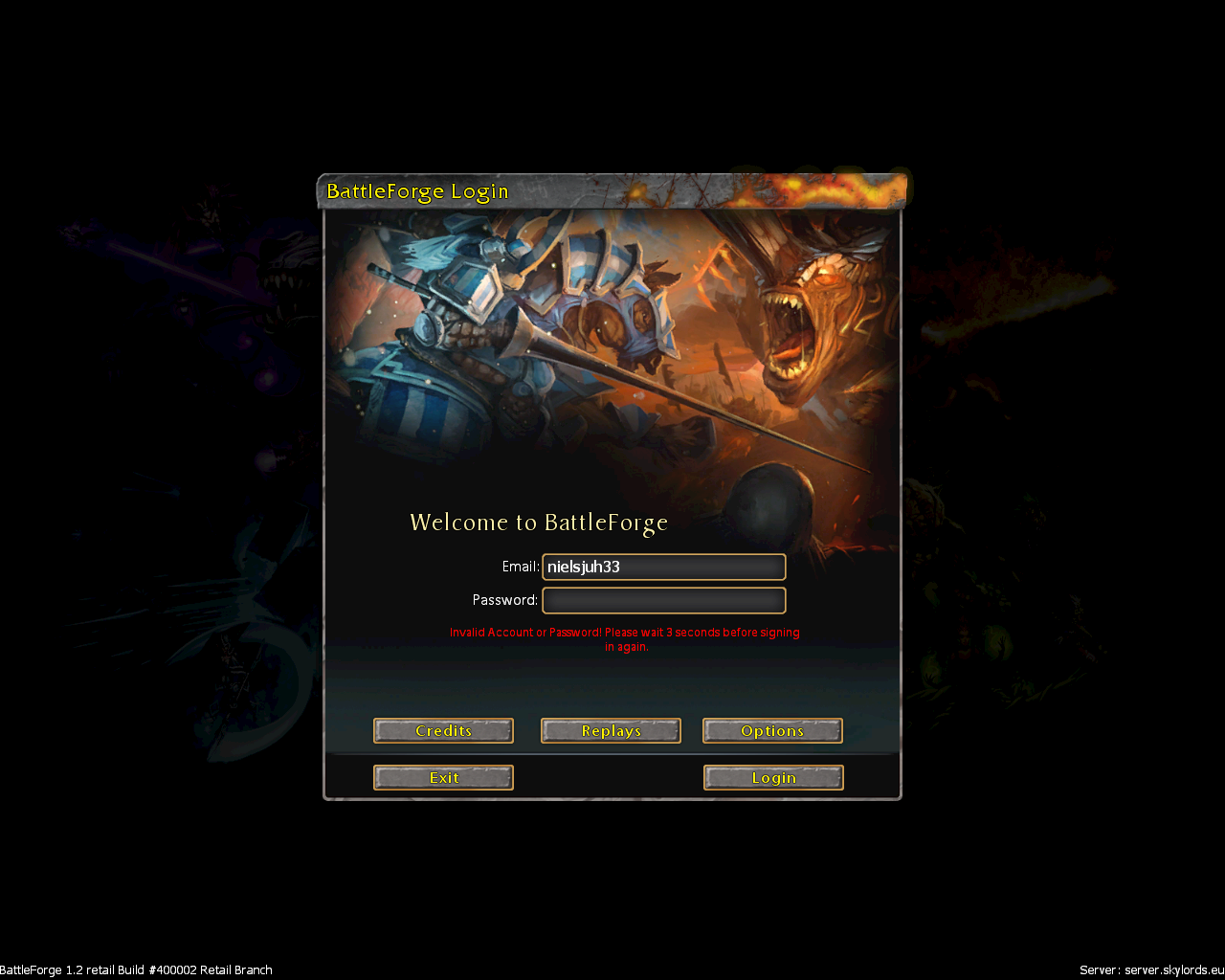
hey, I am trying to log in with the same username and password that I use to login to the forums but the client won't let me connect. I retrtied at least 3 times to make absolutely sure that I am both getting the username and password right without typos. I am simply stuck on the login screen
-
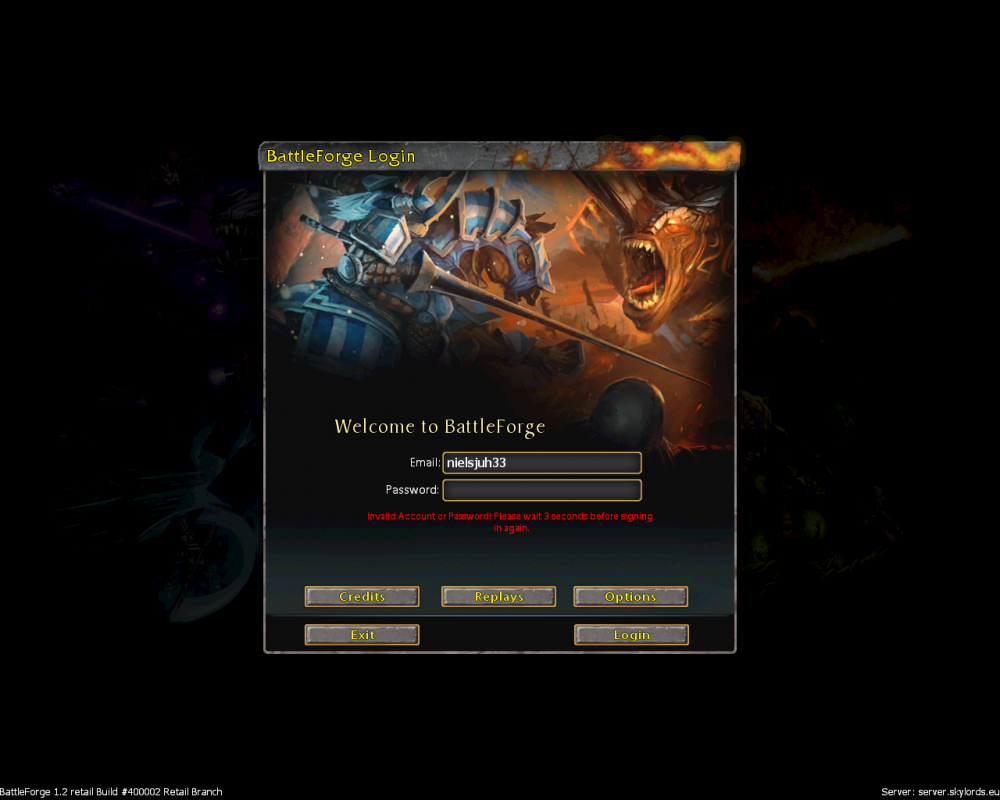
Can anyone help me?? I forgot my password login. Many time i try to reset password by email, but nothing happen. Please.. please.. please..
-
If you type in the wrong password it will obviously fail to login but then try to login with correct password sys Connection failure and u have to relaunch the whole game
-
 NAME: "Connection failed!" when trying to login, and not being able connect again SEVERITY: 1 LOCATION: Login screen REPRODUCIBILITY: Always DESCRIPTION: Error appears, if you happen to enter your password or login wrongly (typo or just improper, whatever). If that happens, then even when you write proper login/password you will still get the "Connection failed!" message instead of "Invalid Account or Password! Please, wait 3 seconds before signing in again" when you do it the first time (write wrongly) (btw, the "Login" button doesn't grey out even the first time). Also when you try to login second time the "Connection failed!" message will appear after game freezes for about ~5 seconds. So: steps to reproduce it are >Start game >Enter wrong password/e-mail >get the "Invalid Account or Password! Please, wait 3 seconds before signing in again" message >write proper Account or Password >Get the "Connection failed!" message and blocked entrance. ADDITIONAL INFORMATION: 'Hotfix' - enter your password on the first try, either restart your client, if you happen to enter the wrong one. Logs are Added (notes for logs) Related bug reports: (literally same cause and i think they are related directly) SCREENSHOT: none log.txt _launcher_log_2019.09.12_49.log _launcher_log_2019.09.12_47.log
 -
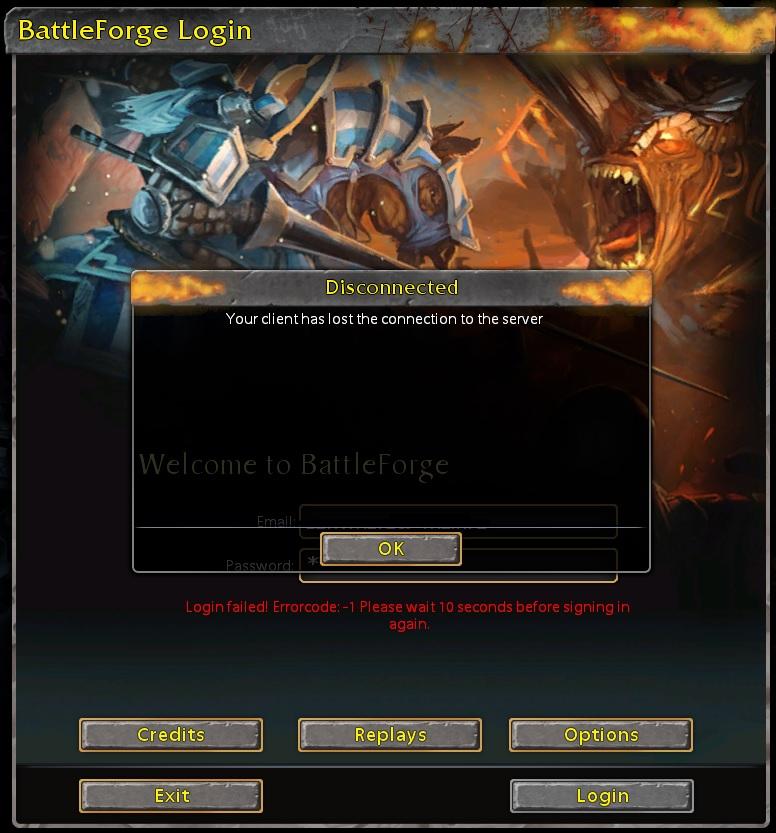
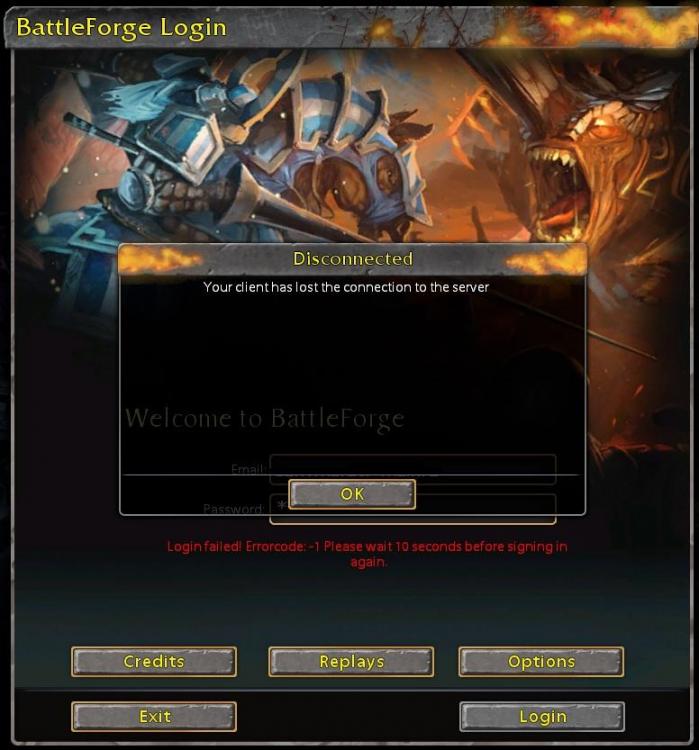
NAME: "Errorcode -1" when trying to login SEVERITY: 2 LOCATION: Login screen REPRODUCIBILITY: Always DESCRIPTION: Error appears, if you happen to enter your password or login wrongly (typo or just improper, whatever). So: steps to reproduce it are >Enter wrong password/e-mail >get the "...wait 10 seconds..." message >wait and enter proper password/e-mail >Forever "Logging in", then the Error appears with following "Disconnected" window. ADDITIONAL INFORMATION: Enter your password on the first try, either restart your client, if you happen to enter wrong one. SCREENSHOT:
-
from one day to another my brother can not connect to both the game and the forum the password and the email have not been changed could you help me thank you
-
title... 4th day now that i can't login. redownloading the game didn't help, antivirus was said to not block anything 1 log is from the game, second from battleforge\diag folder in documents log.txt מסמך טקסט חדש.txt
-
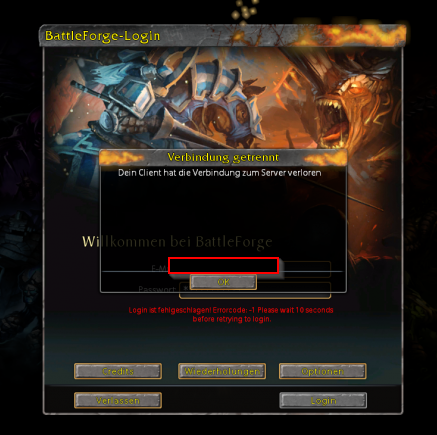
Before update everything was fine. Now i can't login. [INFO][UI (Lua)]: [00:00:01] SectionBrowser:SwitchSection to Login [INFO][UI (Lua)]: [00:00:01] SectionBrowser.SwitchSection: Opening section 'Login' [INFO][UI (Lua)]: [00:00:01] ScreenFlow:Next(bf1/ui/dialogs/pregame/login/pg_login_view.xml) [INFO][UI (Lua)]: [00:00:01] DoTransition: bf1/ui/dialogs/pregame/login/pg_login_view.xml [INFO][UI (Lua)]: [00:00:01] OnNextView! #0 [INFO][UI (Lua)]: [00:00:01] Creating view bf1/ui/dialogs/pregame/login/pg_login_view.xml [INFO][UI (Lua)]: [00:00:01] Created new task ReEnableLogin [INFO][UI (Lua)]: [00:00:01] PregameSection.Open [INFO][UI (Lua)]: [00:00:01] PregameSection.Open: Setting position on screen [INFO][UI (Lua)]: [00:00:01] PregameSection.Open: Initialize controller [INFO][UI (Lua)]: [00:00:01] Show ActiveView [INFO][UI (Lua)]: [00:00:01] PregameSection.Open [INFO][UI (Lua)]: [00:00:01] PregameSection.Open: Setting position on screen [INFO][UI (Lua)]: [00:00:01] PregameSection.Open: Initialize controller [INFO][UI (Lua)]: [00:00:01] Show ActiveView [INFO][UI (Lua)]: [00:00:01] Created new task ActivityCheck [INFO][NETWORK]: Timed out sending a Network Message with Interface Borderline, Message LoginAccountRMC in ...Diag\log.txt [WARN][NETWORK]: SSL_read: sslErr=5(SYSCALL) ret=0 wsaErr=0 [WARN][NETWORK]: CNetReceiveNetworkMessagesJob::Execute: CNetNotConnectedException received [INFO][NETWORK]: Timed out sending a Network Message with Interface PreGame, Message GetAlllLimitedPoolsForCharacterRMC [INFO][PREGAME]: CharacterRemote deletion. [INFO][UI (Lua)]: [00:01:22] pg_back_to_login [INFO][UI (Lua)]: [00:01:22] Restarting Section [INFO][UI (Lua)]: [00:01:22] StartScreen: bf1/ui/dialogs/pregame/login/pg_login_view.xml [INFO][UI (Lua)]: [00:01:22] CurrentScreen: bf1/ui/dialogs/pregame/login/pg_login_view.xml [INFO][UI (Lua)]: [00:01:22] ScreenFlow:Next(bf1/ui/dialogs/pregame/login/pg_login_view.xml) [INFO][UI (Lua)]: [00:01:22] Screen is already active, do nothing: bf1/ui/dialogs/pregame/login/pg_login_view.xml [INFO][UI (Lua)]: [00:01:24] SectionBrowser:Exit... [INFO][UI (Lua)]: [00:01:24] EXIT GAME
-
Hello everybody, The website keeps login me out of my account. even though i let chrome save my password, sometimes i just need to login manualy. when i type in my password i get the message wrong password. i am absolutly sure i am using the right pasword but it doesnt work. So i reset my pasword to exactly the same one and it works for 1 or 2 days. then it breaks again. is this a known bugg or am i doing something wrong.