Search the Community
Showing results for tags 'feature'.
Found 3 results
-
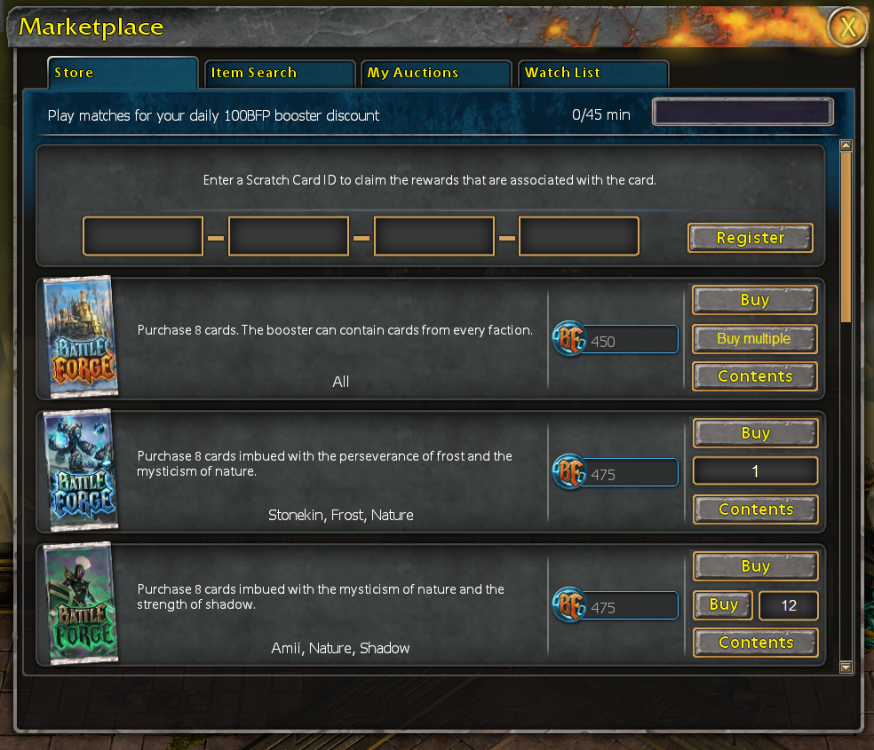
An additional option to buy multiple booster packs with far fewer clicks. edit#1: Could be a bit challenging with the daily booster discount... Some possible UI-mockups:
-
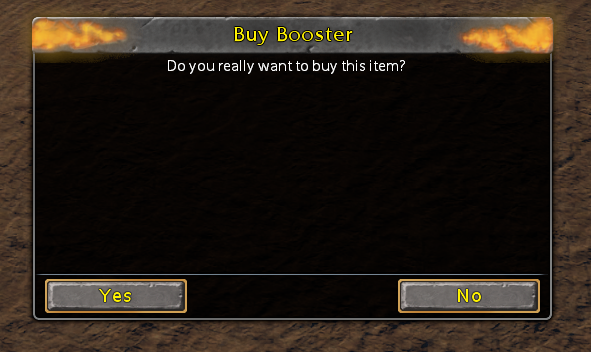
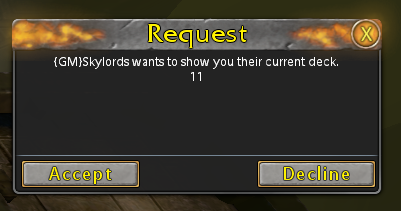
Maybe some or all confirmation boxes could have their "Yes" option auto-selected to confirm with "Enter": buying boosters deleting decks rerolling quests cancelling auction etc. (?) Generally all pop-ups / request-windows could be adjusted. party invitation trade request etc. Other non-confirmation boxes which could use this feature: `Register` > Marketplace - Store claim scratch ID `Done` > Marketplace - Store closing booster content `Flip all cards` > Open Booster flipping cards on booster opening `Create Auction` > Marketplace - My Auctions creating an auction `Reforge` > Card Reforging
-
Motivation: When moving units with different speed types, for example Nomad and Thugs, keeping them together can be painfull. It usually requires a lot of micromanagement to prevent the Nomads from running ahead, and nearly dying once they encounter enemies before the thugs even arrive. Proposed Solution: Introduce a new Toggle Switch "Keep Formation" to Combat UI. When Switch is switched on, all Units receiving a move command will move in "closed formation". When in closed Formation, units will walk with reduced movement speed equal to the movement speed of the slows unit within the Squad, effectively making everyone move at the same pace. This behavior breaks, if: - Units reach the goal of the movement - Units receive a new movement Command without Keep Formation - Units receive a Attack Command - Units engage in Combat (e.g. because of Attack on sight) Optional Extension When Units are moved in closed Formation and not all Units are in place, slow all Units that are already in place to allow the rest to catch up. Also, if a Unit is not jet in place, don't apply slow effect to allow it to catch up faster.