


Search the Community
Showing results for tags 'UI'.
Found 7 results
-
-
-
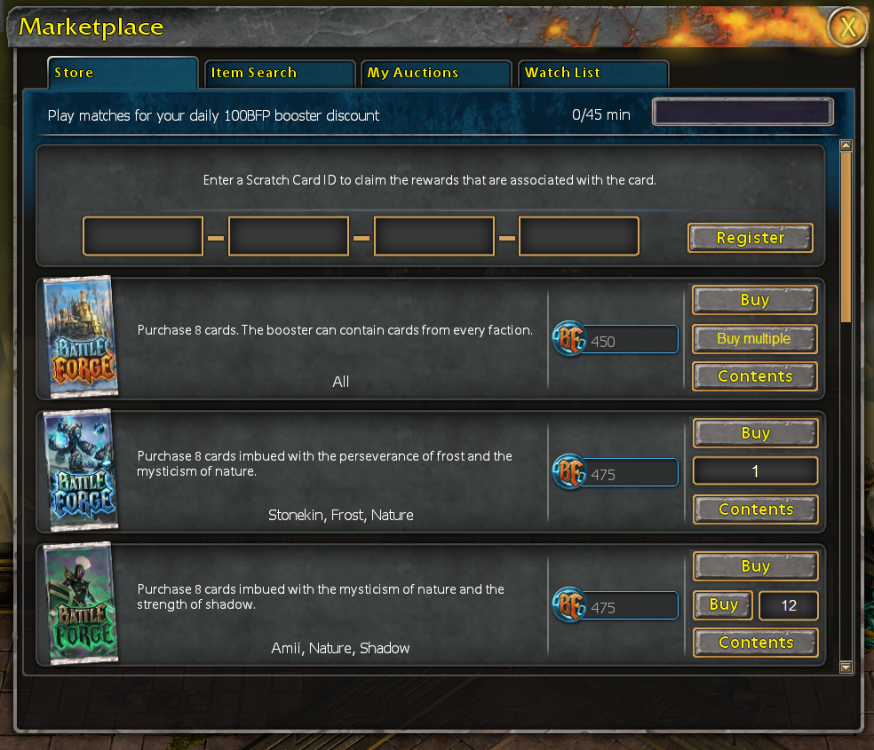
An additional option to buy multiple booster packs with far fewer clicks. edit#1: Could be a bit challenging with the daily booster discount... Some possible UI-mockups:
-
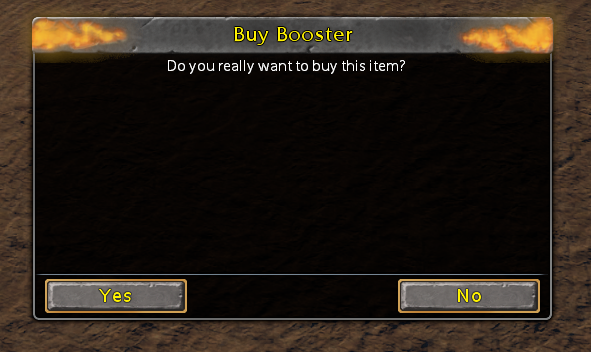
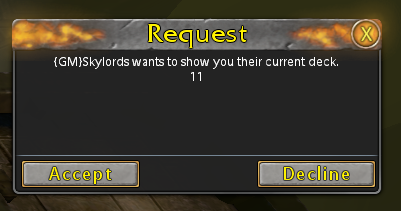
Maybe some or all confirmation boxes could have their "Yes" option auto-selected to confirm with "Enter": buying boosters deleting decks rerolling quests cancelling auction etc. (?) Generally all pop-ups / request-windows could be adjusted. party invitation trade request etc. Other non-confirmation boxes which could use this feature: `Register` > Marketplace - Store claim scratch ID `Done` > Marketplace - Store closing booster content `Flip all cards` > Open Booster flipping cards on booster opening `Create Auction` > Marketplace - My Auctions creating an auction `Reforge` > Card Reforging
-
Can I request you patch the patcher so that the Play button is focused and you can just press Enter to play? Currently, pressing enter will do nothing, pressing tab once focuses the close button... You have to tab 7 times to get to Play. Or shift+tab 3 times.
-
Hi there, If a replay of an unrecognized map is selected in the Replay Section the displayed minimap placeholder image is weirdly zoomed in. Further Information: Possibly broken since the UI rescaling that took place months ago. Reproducibility: Always, affects almost only community map makers. Create a replay by playing on any map, edit said map file, save and pak, restart game and click on your now invalid replay, cause the map is no longer available. Image: Displayed below on the left is how it used to look back in the days, right is how it looks now. Pictures taken on 1600x900 resolution. This is just a minor non-urgent issue, nevertheless notably broken nowadays. Kind regards, LEBOVIN

-
Hi, I'm playing on an ultrawide monitor with a resolution of 3440x1440p and the UI is very small and hard to read. It's not a gamebreaker, but I wanted to ask if there is an option to scale the UI to solve this specific problem. And if there is none, if it could be kindly added to the game, if its not to difficult. Thanks in advance!