Search the Community
Showing results for tags 'challenge'.
Found 2 results
-
Hi @ll and Skylords, it would be great if you could make your own custom games like in Warcraft 3. for example: - TowerDefence - Heroline Wars - Circle TD - Wave Fight - Element TD and so on. all the great games that helped warcraft to be awesome. And it would be super nice if there possibility to select a 3 - 5 - 7 player mode PvE/Custom. My buddies and I have sometimes the problem that we're only 3 people every now and then. And there it is difficult to play a higher level of difficulty. thanks for your attention greetings killfRog
-
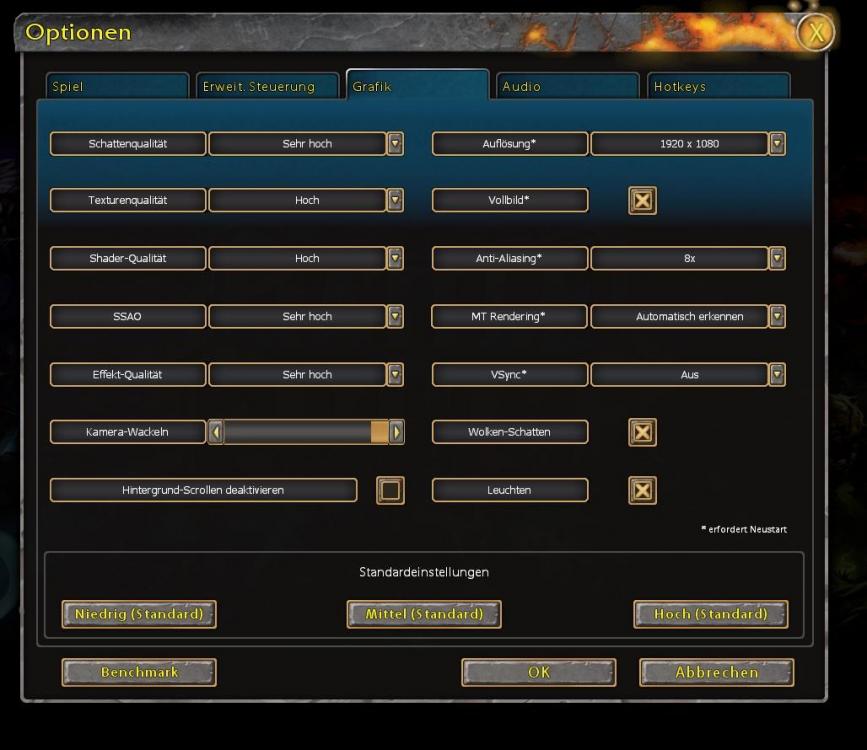
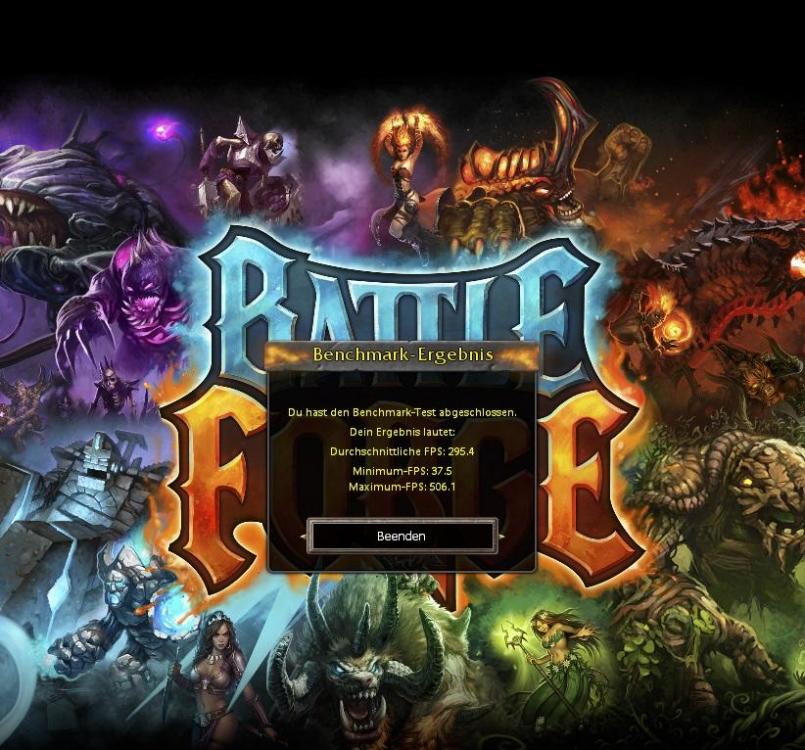
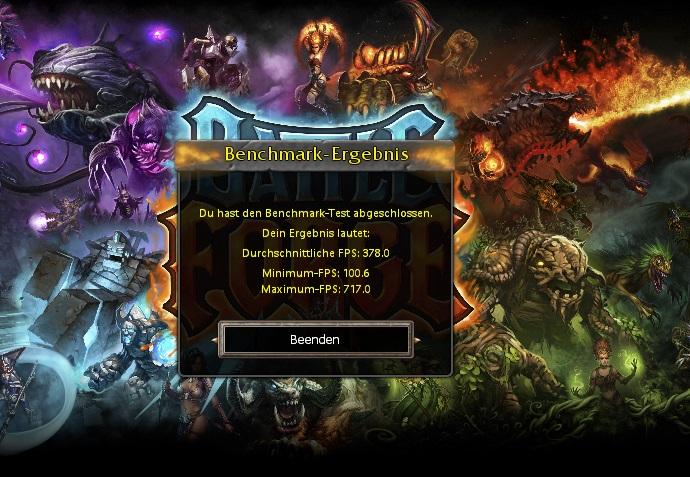
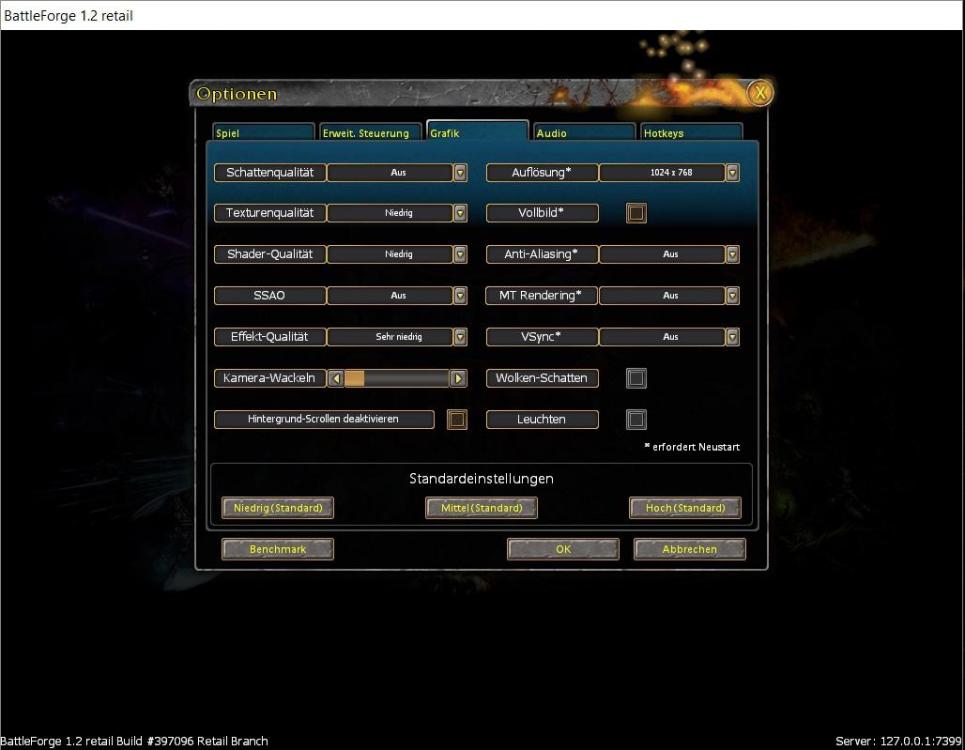
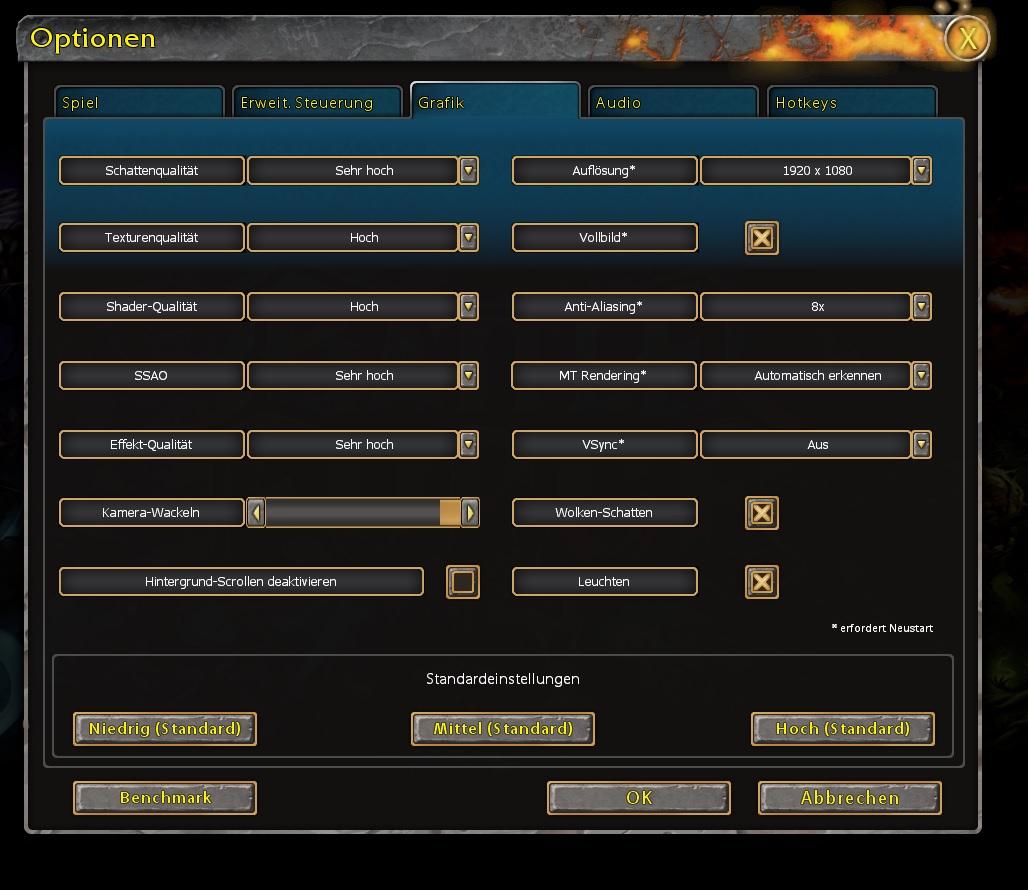
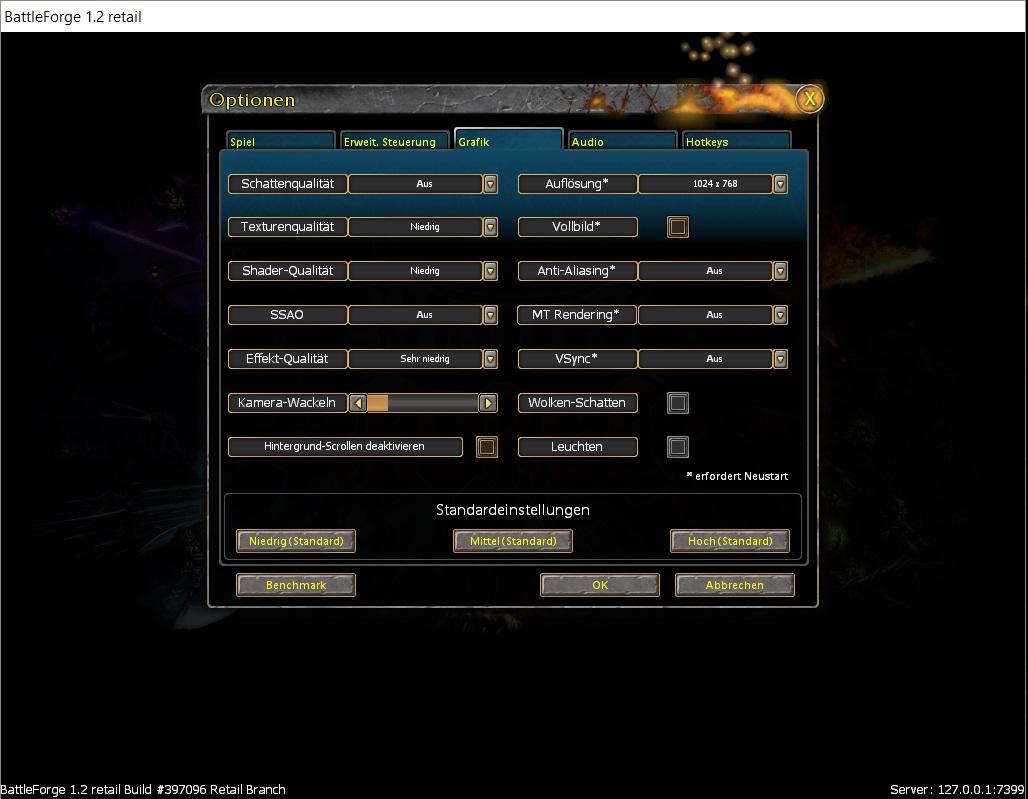
 Hi Skylords what your best score in the game? Who has the best? Score on high settings: Setting : Score on low settings : Settings : Specifications: CPU: Intel(R) Core(TM) i7-6700kGraphic: NVIDIA Geforce GTX 1080 ti StrixMainboard: MSI Z170A Krait Gaming Soundkarte: Creative Sound Blaster ZDIMM : 2x8 DDR4 3200 G.Skill Trident ZMonitor: BenQ XL2720TOS: Win 10 Enterprise