Search the Community
Showing results for tags 'Technical Issues'.
Found 3 results
-
I have been receving an error saying "Connectfailed!" when i try to log into the game. i made sure that the launcher is running in the background and and i made sure the details i enter ae correct. attached is the log for the attempted logins. i was able to log in and play just fine earlier today, it just all of a sudden changed. _log_proxy_0.log
-
Basicly the title, I provided a Screenshot. The screen eats up a quarter of my other screen on the right aswell. is there some sort of file in the folder i can change to fix the resolution? reseting and re-installing didn't fix the issue.

-
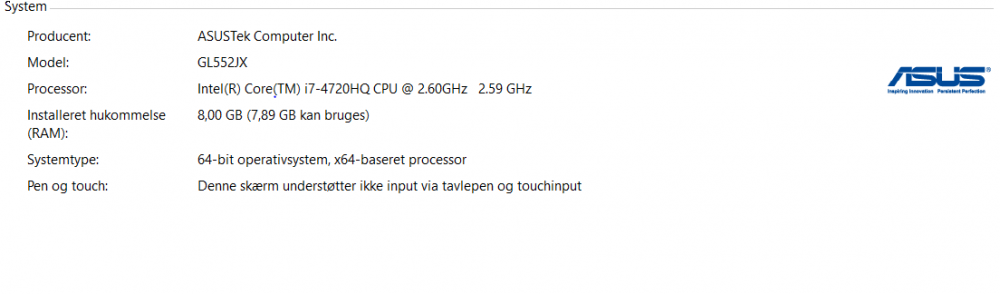
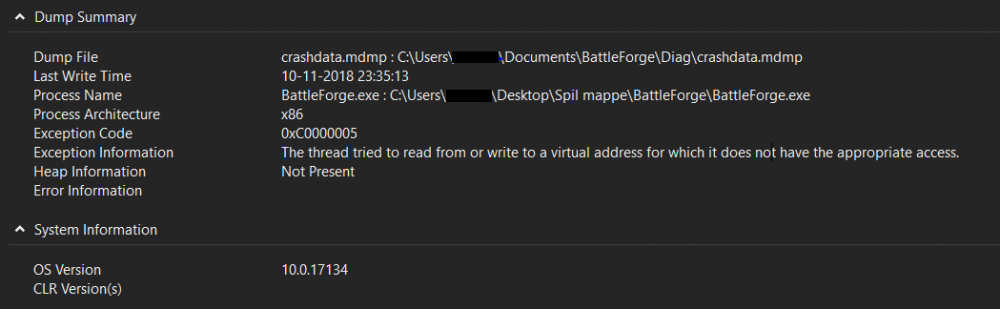
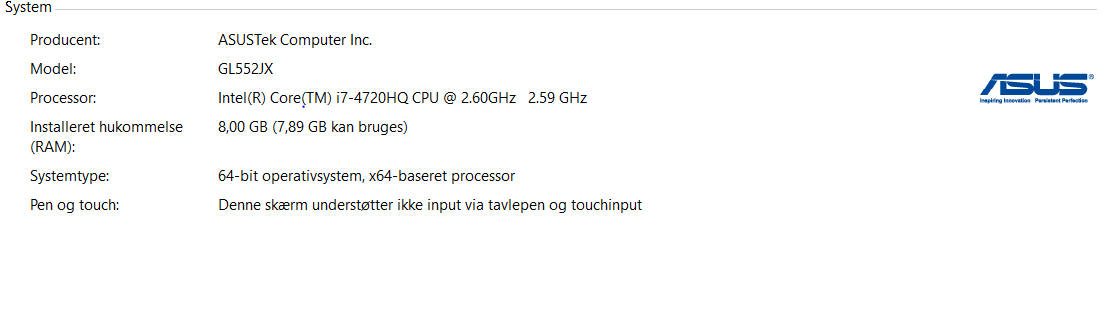
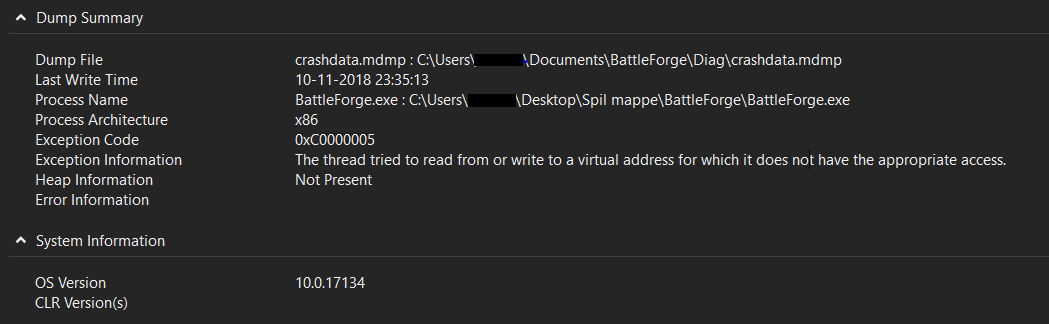
Prologue: I have an issue and I would be very happy if someone could help me solve it. Chapter 1: The Problem I have a problem, nothing happens when I try to start the game from the launcher. When I try to run it, the launcher closes and I get a small ping, nothing else. Chapter 2: Steps Taken I have tried a lot of different solutions: 1. I have tried to shut off my antivirus. 2. I have reinstalled the entire thing. 3. I have updated my drivers. 4. I have tried copying the folder from another computer where it worked. 5. I have tried looking for similar issues on the forums but to no avail. Chapter 3: My Specs Chapter 4: Exception I went to my documents and found the log and the crashdump file, this is what I've got: Log: [INFO][Direct3D 9]: Start Scan [INFO][Direct3D 9]: Found Adapter: NVIDIA GeForce GTX 950M [INFO][Direct3D 9]: Support Hardware vertex processing [INFO][Direct3D 9]: Support SM 3.0 [INFO][Direct3D 9]: End Scan [INFO][Direct3D 11]: Start DXGI scan. [INFO][Direct3D 11]: Found Adapter: NVIDIA GeForce GTX 950M [INFO][Direct3D 11]: Supports Techlevel 11.0 [INFO][Direct3D 11]: End DXGI scan. [INFO][app]: BattleForge Final Build: 397096 (Retail branch) [INFO][app]: CPU GenuineIntel family 6 (P2, P3, Pentium-M, Athlon) detected. [INFO][app]: CPU clock speed is ~2593 MHz. [INFO][app]: CPU has 8 cores. [INFO][app]: CPU rating is 16 points. [INFO][app]: GFX rating is 16 points. [ERROR][BASE]: Unhandled exception error. Crash dump written. [ERROR][BASE]: