Search the Community
Showing results for tags 'juggernaut'.
Found 2 results
-
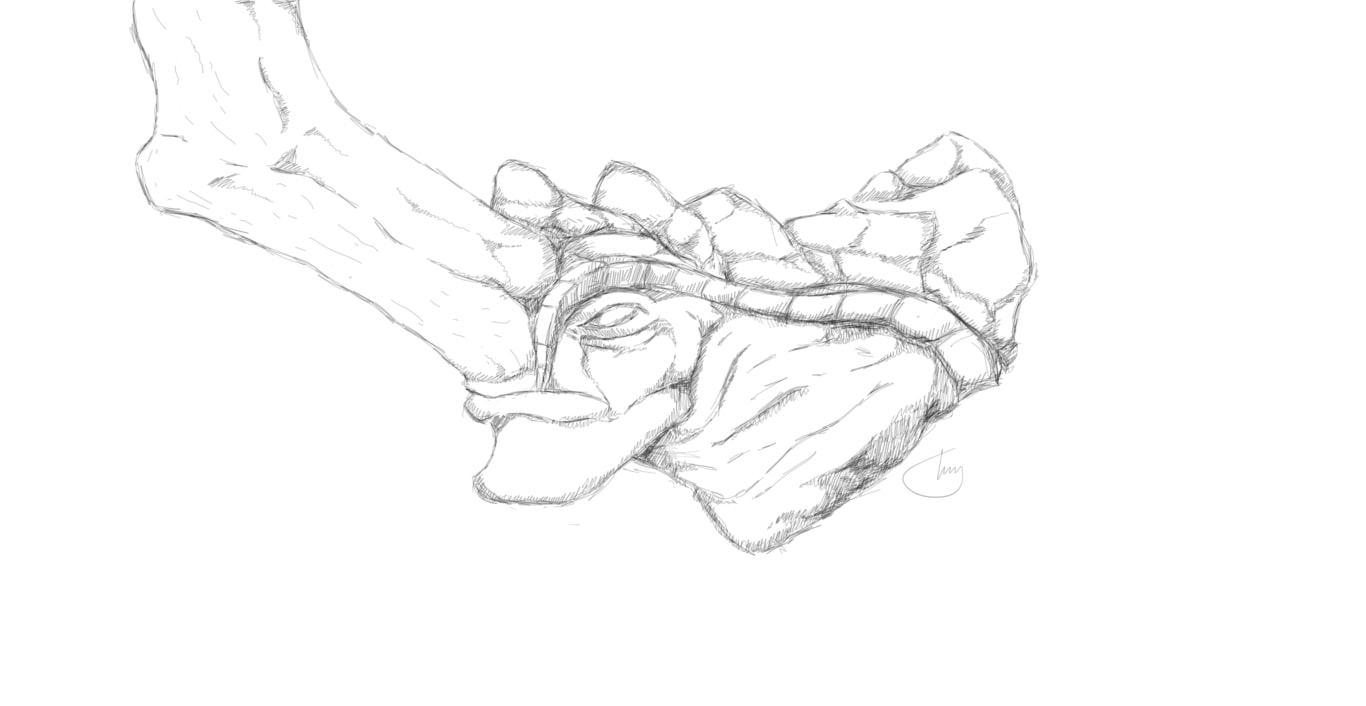
Hey everybody! A couple days ago I decided to return to the art of drawing. I also decided that I should make something to our beloved devs that are reviving this wonderful game and to everyone else that enjoy art and Battleforge. That being said, as a tribute to you guys, I present: MOOOOOOOOOOOOOOOOOOOOOOOOOOOOOOOOOOOOOOOOOOOOOOOOOOOOOOOOOOOOOOOOOOOOOOOOOOOOOOOOOOOOOOOOOOOOOOOOOOOO!
-
The more forum games, the merrier! Let's see how creative/mature this community really is. This game is simple, you copy and paste the most recent reply and add up to two words to the story. Punctuation can be added for free. For example: A watermelon Next reply: A watermelon was once Next reply: A watermelon was once stuck in Next reply: A watermelon was once stuck in a tree Next reply: A watermelon was once stuck in a tree. It had Rules: You can only post once ever half-hour. Do not add words/punctuation that does not make sense. If two people post at the same time, the second poster must edit their post. Not sure if a post like this already exists, if so here a fresh start about a baby juggernaut, let's see how far we can take it. Here is the start: Once upon a time, there was a baby juggernaut named